Blog / Photography
Preparing products for packshot photography
Prepare products for packshots: variants, cleaning, shot lists, packaging and store requirements before the shoot.
Prepare representative samples, a variant list and required views for a packshot session. Scratches, dust, uneven labels or missing components can mean extra work or a reshoot. Checking products before shipping helps keep the photographs consistent.
Samples and identification
Choose clean, complete products without unintended damage. Label them using the store or catalogue codes. Include the correct packaging, accessories and assembly instructions where needed. Agree whether identical products require separate photographs or one representative sample.
Shot lists and variants
Specify the main view, back, sides and important details for each product. Identify colour and size differences. Supply the platform’s background, aspect ratio, file format and naming requirements. Keep product scale and positioning comparable across the set.
Approval and product returns
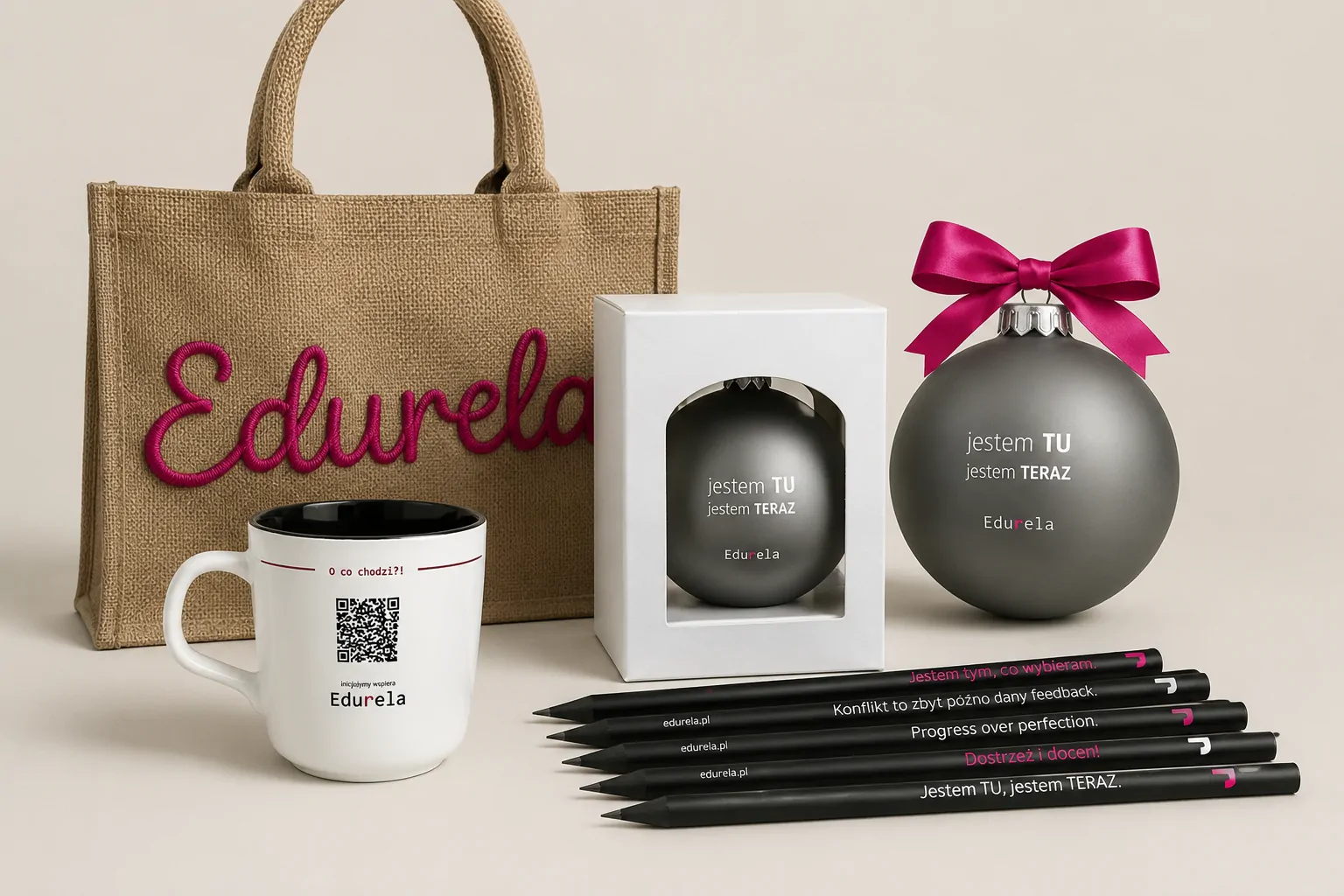
For a larger series, approve a test shot first. Define retouching: removing dust differs from changing the product’s appearance. Agree transport, return timing and who receives the files. Product photographs for Fundacja Edurela provide an example of this work.
Project checklist
- Label every product with the code used in the shot list.
- Include set components and the intended packaging.
- Approve scale, background and positioning before a larger series.
Questions and answers
Can retouching fix every damaged product?
Do not assume so. Show defects before the session to agree retouching or arrange a replacement sample.
See what the finished project looks like
Related articles

Photography
Packshots or styled product photography: choosing a scope
Compare packshots with styled product photography: uses, backgrounds, views, retouching and assets for stores, catalogues and campaigns.
19 September 20262 min readRead article
CGI
Product 3D modelling: geometry, inputs and files
How is a product model built? Dimensions, references, detail, materials and formats for rendering, animation and other uses.
9 September 20262 min readRead article
Websites
Online store design: from categories to checkout
Design an online store’s categories, search, product pages and checkout, then test ordering on mobile.
27 August 20262 min readRead article
Turn your idea into a project.
Choose your services and see the price, or tell us about your project.